Sort images by visual similarity on Windows (similar pictures side by side, nothing deleted)
Duplicate finders show you pairs to delete. Sometimes you want the opposite: the whole folder in an order where look-alike pictures sit together. How similarity sorting works, which tools do what, and how to do it without Python.
Finding similar images and sorting by similarity are different jobs
Search for "similar image finder" and most results are duplicate cleaners. They compare pictures, show you pairs that look alike, and ask which one to delete.
That is useful for cleanup. It does not help when you want to keep everything and simply see it in a sensible order: all the snowy scenes together, every picture of one character in one stretch, the five versions of the same pose next to each other. For that, the program has to put the whole folder in order, not just list pairs.
How similarity sorting works
- Each image is turned into a list of numbers that describes what it looks like (an "embedding"). Pictures that look alike get lists that are close together.
- Images whose numbers are close are grouped.
- The groups and the images inside them are put in an order, so the most similar pictures end up next to each other.
If you write Python, you can do this yourself with an embedding model such as CLIP and a clustering script. The results depend a lot on the model: a general model groups by overall look and color, so two drawings of the same character by different artists often end up far apart.
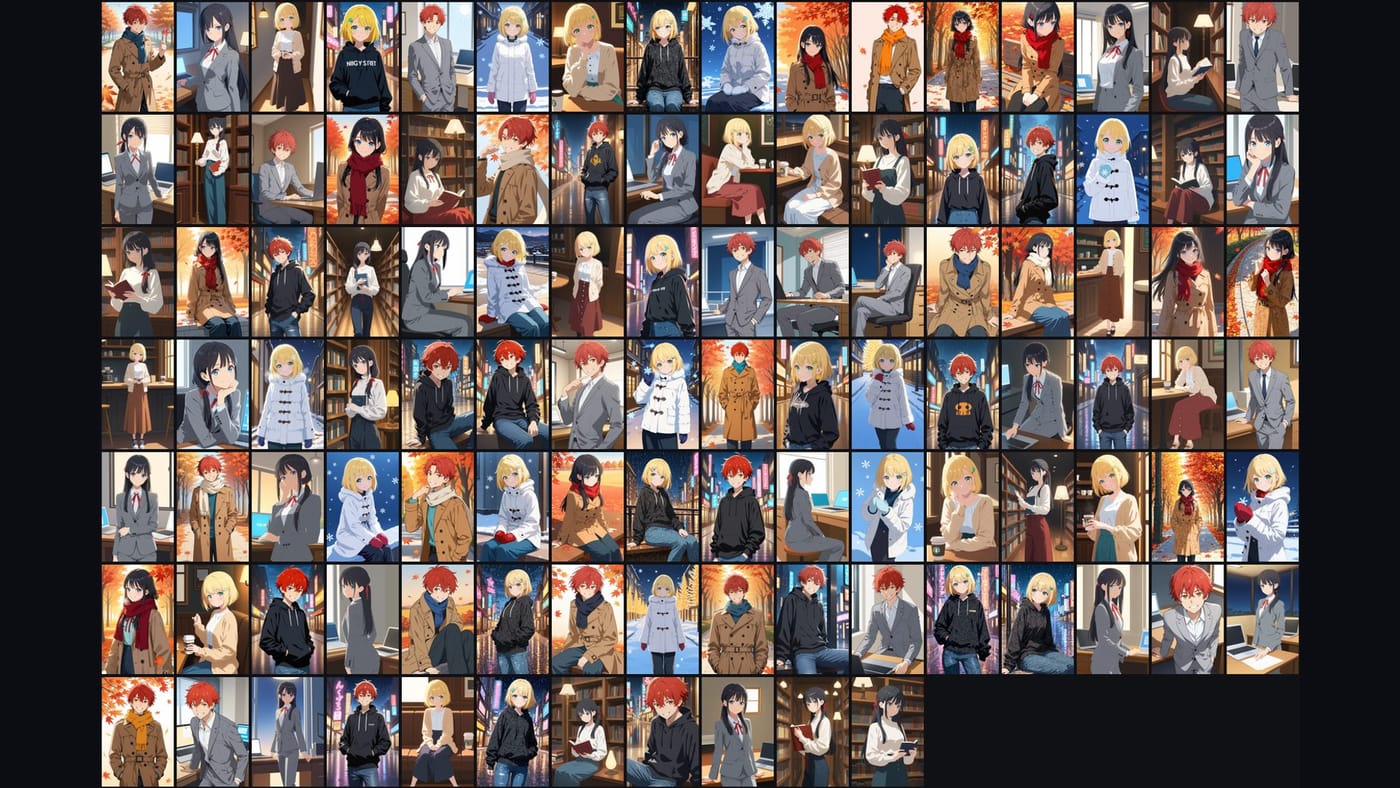
Which tool does what
| Tool | Price | What you get |
|---|---|---|
| digiKam | Free, open source | "Find similar" search for one picture at a time, plus duplicate search. Good for photo libraries. |
| Czkawka, dupeGuru | Free, open source | Lists of similar pairs or groups, mainly to delete copies. |
| A Python script with CLIP | Free, needs coding | Full control. You build the grouping, ordering and file moves yourself. |
| Art Sorter | Paid; try up to 300 images free | The whole folder in one order: same character together, then same scene, then in sequence. Nothing is deleted. |
How Art Sorter orders a folder
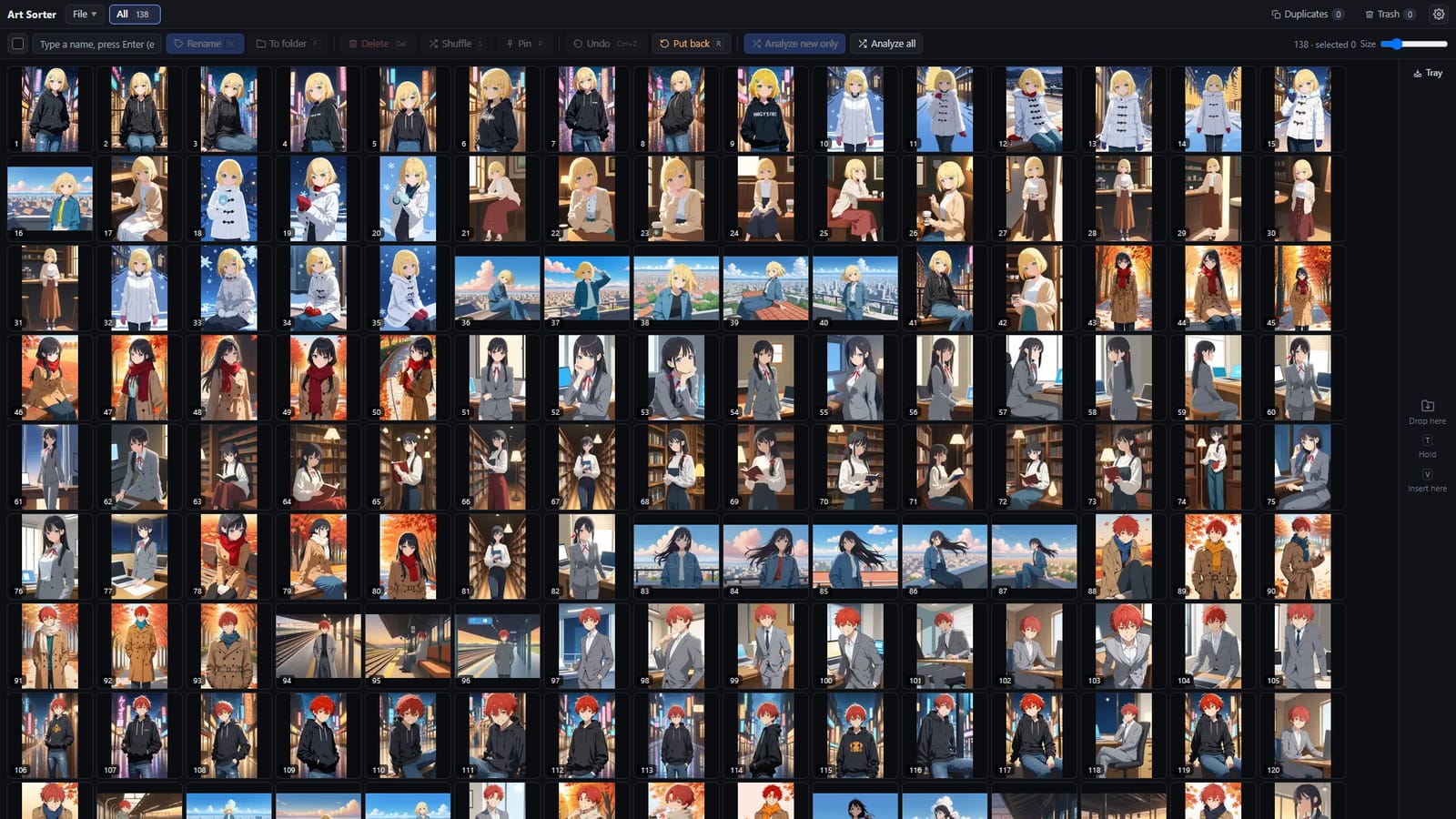
Art Sorter combines three models on your PC: one trained to recognize the same character across different artists, a tagger, and a scene model. The order it builds is:
- Same character together, even when the art style or outfit changes.
- Same scene next, so a set drawn in one place stays in one run.
- Then in sequence, so a series keeps its story order instead of being scattered by file name.
Real copies (resized or re-saved versions of the same picture) go to a separate duplicates folder for you to check. Variations such as a different expression or hand pose are not treated as copies; they stay in the line, next to each other.
If you would rather see a different order, you can line the folder up by the time each file was saved, or by tags you pick (for example all rain pictures first).
Where similarity sorting is weaker
- Pictures with many characters belong to several groups at once, so they go where the strongest match is.
- Very different styles of the same character (chibi, rough sketches) can land in their own group. Drag them back once and name the group.
- Camera photos are separated into their own folder by their camera data. Art Sorter is built for drawings, fan art, anime screenshots and AI images.
Common questions
Can I sort images by similarity without deleting anything? Yes. Art Sorter only reorders and renames, and in copy mode your originals are not touched at all. Duplicates are moved to a separate folder, never deleted.
Is there a way to do it without Python? Drop the folder on the Art Sorter window and wait. You can pause and resume, and you can drag any image to fix the order afterwards.
Does it work on AI-generated images? Yes. Variants from the same prompt stay next to each other, so picking favorites is easier.
Are my images uploaded? No. Image files stay on your PC. The order is matched by our server from descriptions of the images (numeric fingerprints and tag words), so sorting needs an internet connection.