How to organize images saved one by one from X (Twitter), Patreon and Discord
Most collections are not neat downloads. They are thousands of images saved one at a time into a single folder or the phone gallery, with names like GZgBoZ… that mean nothing. Here is what actually works for that kind of folder.
The folder everyone actually has
Guides about organizing images usually assume you downloaded whole galleries with a tool, one folder per artist. Real collections rarely look like that. They look like this:
- Images saved one at a time from X, with names like
GZgBoZ8bIAA1x2q.jpg. - Patreon and Fanbox posts saved as
Post title (1).pngthrough(12).png, mixed with everything else. - Discord attachments and phone screenshots in the same pile.
- Everything in one folder called "twitter", "saved" or simply the phone's Downloads.
Nothing in those names says who drew it or what it belongs to. Sorting by name is random. Sorting by date puts one artist's ten images next to whatever else you saved that evening.
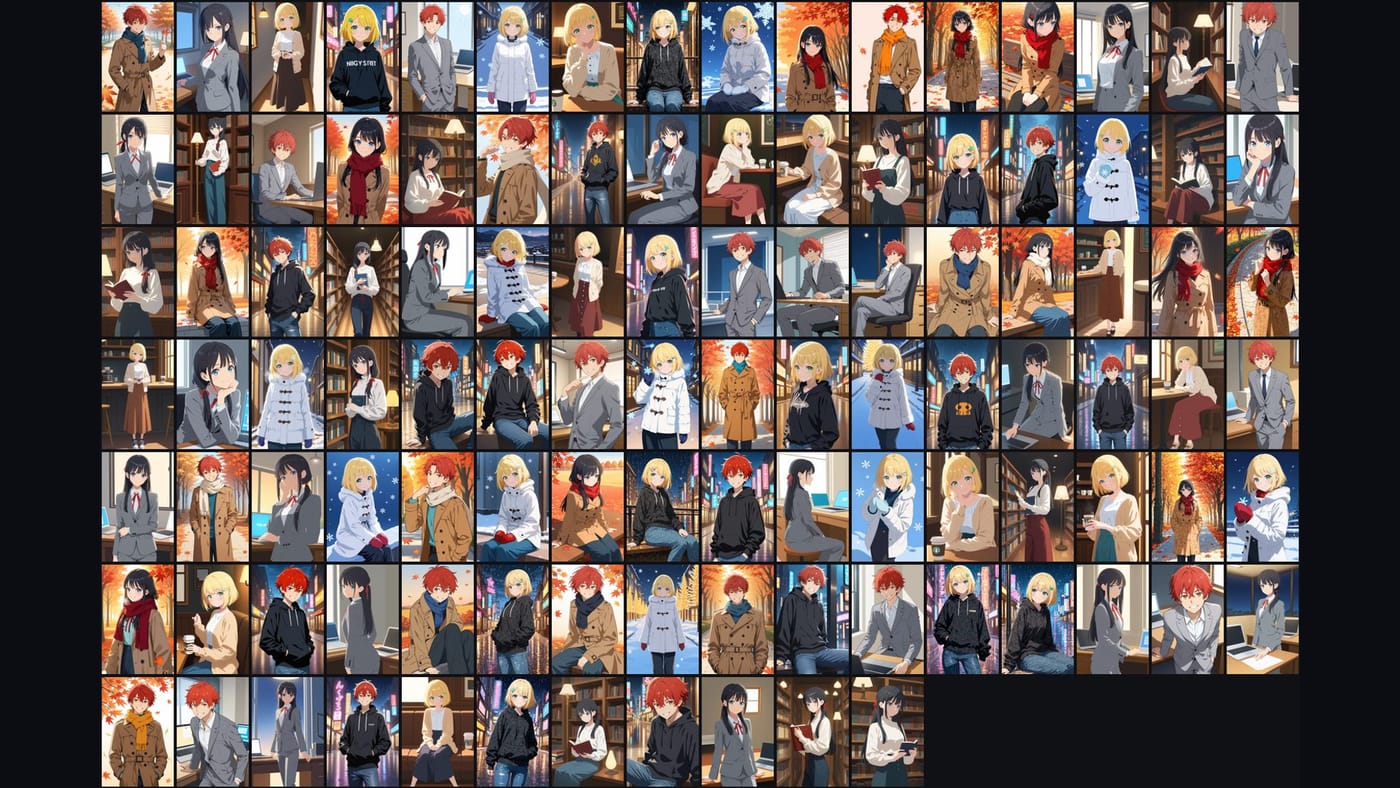
What the file names still tell you
Even a dump folder carries a few clues, and a good sorter uses them:
- Numbered packs.
Title (1)toTitle (12)came from one post and belong together, usually in that order. - Save bursts. Four images saved within the same minute were almost always one post.
- Copies and re-saves. The same image saved twice, or once from X and once from the artist's pack, is a duplicate even when the sizes differ.
- Downloader names. If you ever used a downloader that names files
account-postid-1.jpg, the account is right there in the name.
These clues are weak on their own. Combined with what is in the picture, they become reliable.
Three ways to sort a dump folder
By hand. Large icons, one folder per artist or character, drag. It works up to a few hundred images and stops working the day after, when the next twenty images arrive.
By search. Tag-based managers let you find "blue hair, beach" across the pile. Useful for finding one image; it does not turn the pile into folders.
By content. Let a program compare the pictures themselves and line up the ones that belong together, using the name clues above as a tie-breaker. This is what Art Sorter does: drop the "twitter" folder on the window and it groups by character, then by scene, keeps numbered packs in order and sets copies aside. Nothing is uploaded; it runs on your PC.
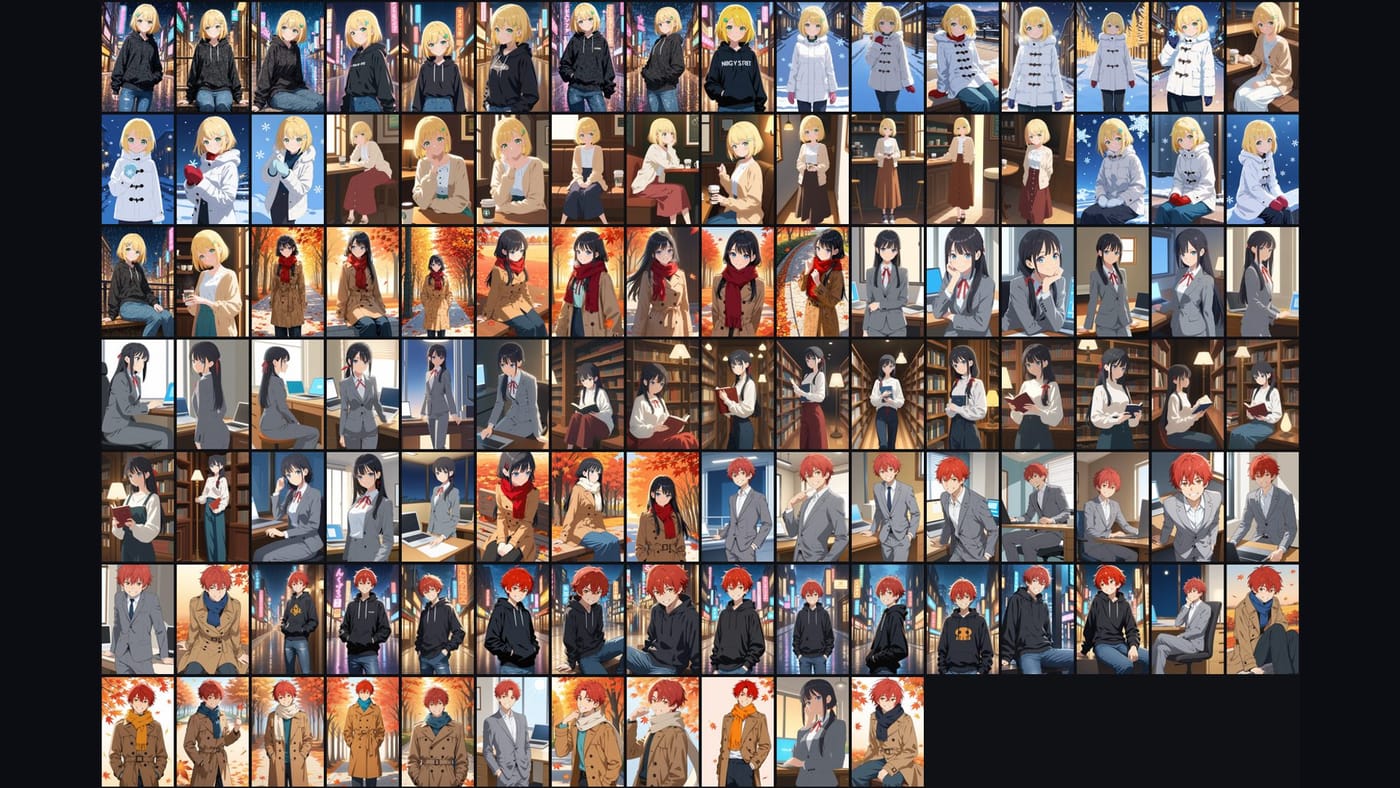
A routine that keeps working
- Keep saving the way you already do. Do not try to file each image as you save it.
- Treat the "saved" folder as an inbox. Once a week, add it to your sorted collection; only the new images are analyzed.
- Name a group once when you recognize it. The files are renamed together.
- When a group looks wrong, drag. The sorter learns nothing from that on its own, but the order you fixed stays fixed.
- Phone screenshots and memes are pulled out into their own folders, so the art stays art.
Common questions
Does it need the account name? No. It works from the picture, so an image with a meaningless name still lands with its character.
What about the phone gallery? Copy the folder to the PC first (or use the phone companion app when it is available). Sorting on a PC is a lot faster than on a phone.
Will it mix two artists who draw the same character? They land in the same character group, in separate scene groups when the style differs enough. Naming and pinning a group keeps it apart afterwards.