How to sort anime and fan art images by character automatically
Face recognition built for photos does not work on drawings. What does: models trained to recognize the same character across different artists. How it works, where it gets confused, and how to use it without Python.
Why photo organizers cannot do this
Google Photos, digiKam and most photo managers group people with face recognition. Those models learned from photos of real faces. A drawn character changes shape with every artist: different eye size, line style, proportions, even different colors. To a face model, two drawings of the same character are two strangers, and a single drawing often has no "face" it recognizes at all.
What works: character-similarity models
There is a kind of model trained specifically on illustrations to answer one question: do these two pictures show the same character? It learns from many artists drawing the same characters, so it pays attention to what stays the same across styles, such as hair shape and color, eye color, outfit and overall design.
Art Sorter runs one of these models (CCIP) on your PC, together with a tagger and a scene model. The result is one line: same character together, then same scene, then in sequence.
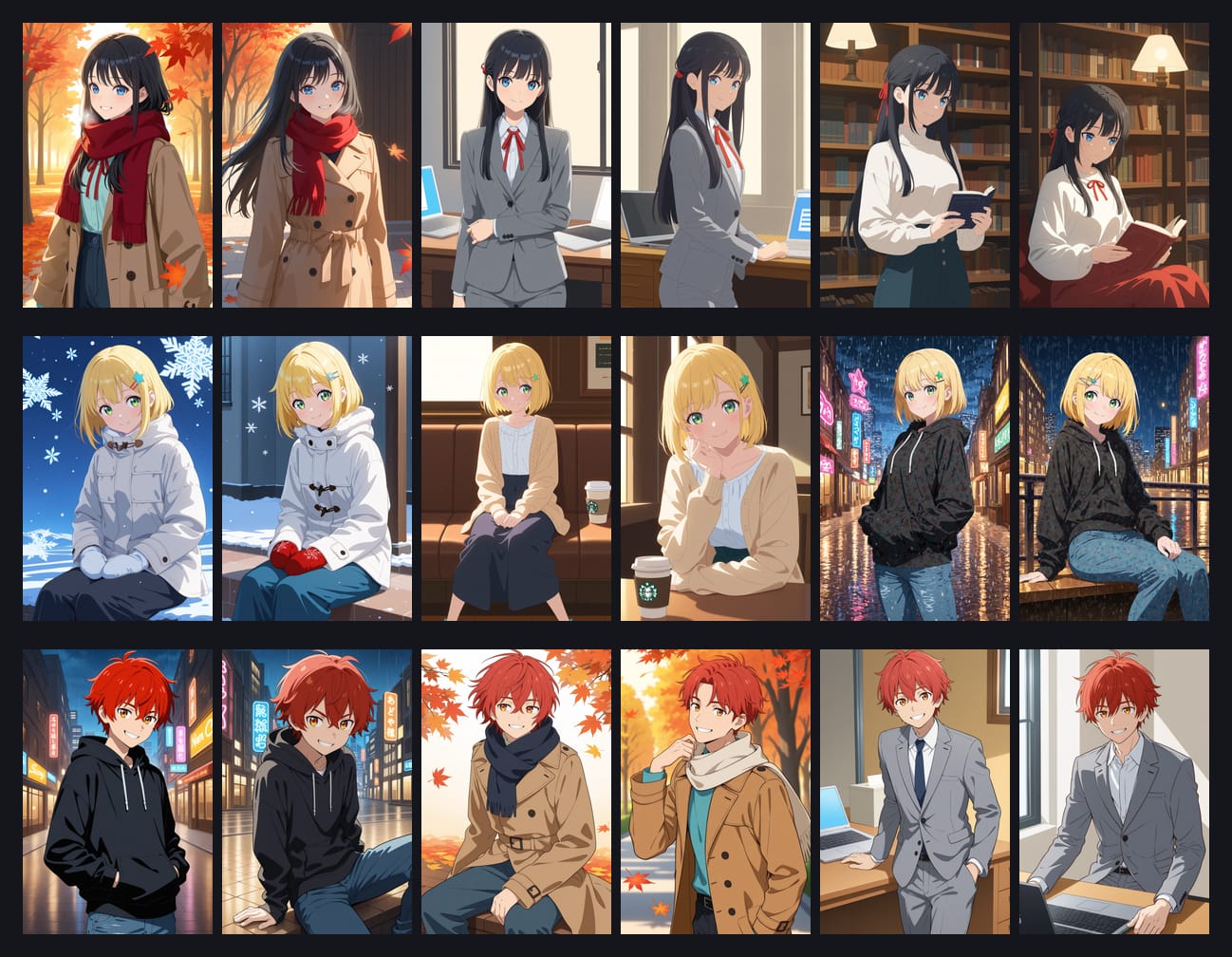
Where it gets confused
Being honest about the limits saves you time:
- Characters with very similar designs. Two characters with the same hair color and the same school uniform can be pulled together.
- Extreme style changes. Chibi versions, very rough sketches or an artist with an unusual style can land in a separate group.
- Complete costume changes. A character in a swimsuit and the same character in armor share fewer clues.
- Pictures with many characters. A group picture belongs to several groups at once, so it goes where the strongest match is.
To help with the second and third case, Art Sorter also uses where a file came from. If most images from one original folder, or with one file-name pattern like Artist - 12.png, end up in one group, the few that drifted away are brought back to it.
Step by step
- Install Art Sorter (Windows 10 / 11). The first run downloads the analysis models once.
- Drag your folder, or a zip, 7z or rar file, onto the window. Choose copy (originals untouched) or move.
- Wait. You can pause, and it notifies you when it is done.
- Scroll the line. Each character's images sit together.
- Fix what it got wrong by dragging. Select a group and type a name once to rename all of them.
Naming characters
The model knows that two pictures show the same character. It does not know the character's name, and it does not look anything up online. You name one group, and Art Sorter suggests that name for similar groups later.
Related questions
Does this work for real photos of people? It is not built for that. It works best on illustrations, fan art, manga panels and AI-generated images.
Does it need a graphics card? No. A DirectX 12 GPU is used automatically if you have one, which makes it faster.