Organize images offline without uploading them anywhere
If your collection is private, cloud tools are a bad fit. Here is how to sort thousands of images by character and find duplicates entirely on your own PC, and what to check before trusting any tool with your folders.
Why offline matters here
Many image collections are personal: purchased fan art packs, private commissions, AI outputs you have not shared, screenshots with your own messages in them. Uploading them to a web service just to get them sorted is a trade many people do not want to make, and some sites' terms do not allow redistributing purchased packs at all.
The good news is that the image models needed for sorting (recognizing characters, tagging, measuring how similar two images are) are small enough to run on an ordinary PC.
What to check in any tool
- Does it work with the network cable unplugged? After the first setup it should.
- Where do the files end up? Plain folders you can open anywhere are safer long term than a proprietary library.
- Does it delete anything? Duplicate finders should move copies aside, not delete them.
- Can you undo? Look for undo and a way to put files back where they came from.
How Art Sorter does it
- All analysis runs on your PC. The image models are downloaded once on first launch; after that your images are never sent anywhere.
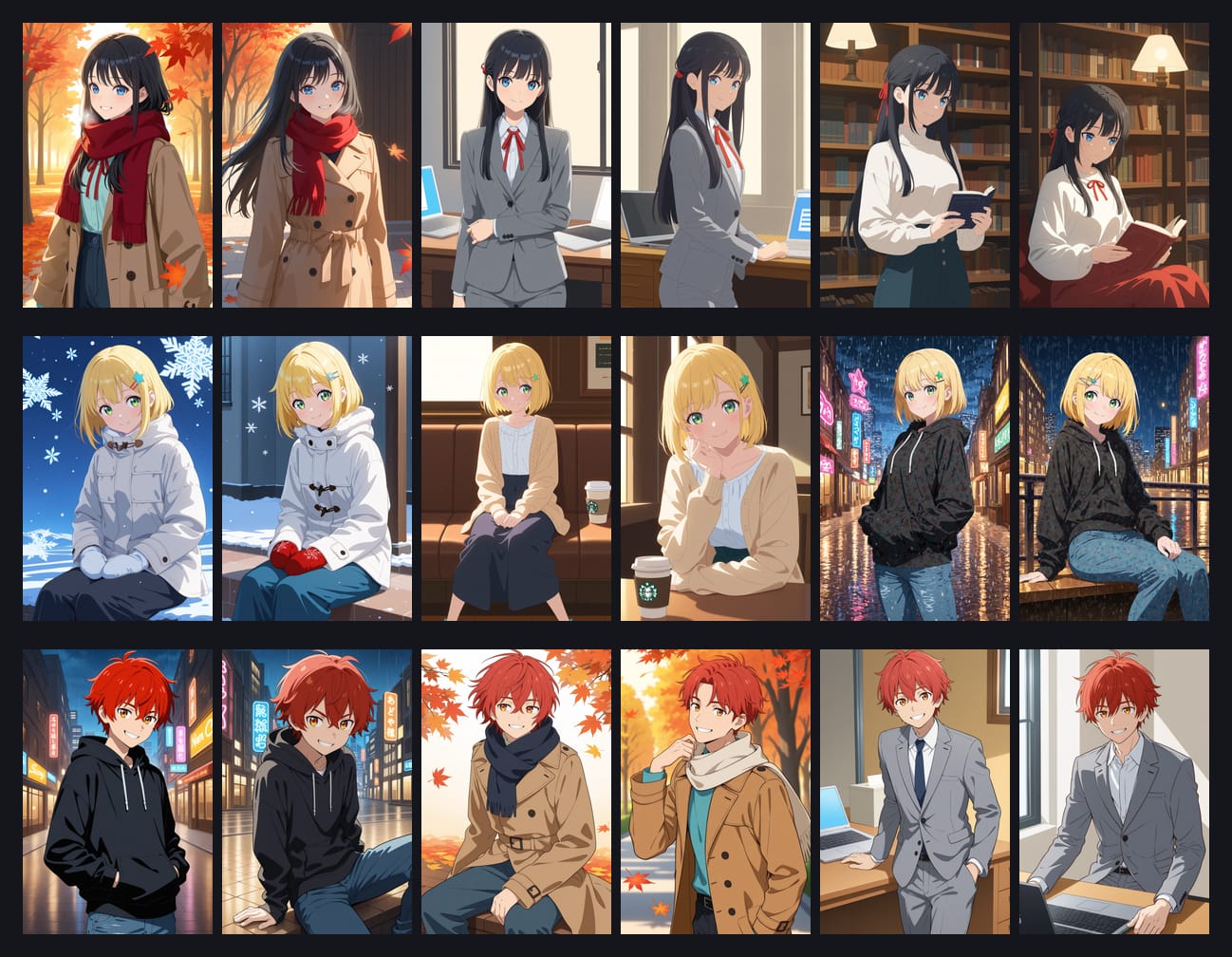
- It groups images of the same character, keeps series from the same source together, and puts scenes in order.
- Duplicates, including resized or re-saved copies, go to a separate folder instead of being deleted.
- The result is plain folders on your drive. There is undo, and a "restore to original location" command.
- Camera photos and screenshots mixed into the folder go into their own folders.
The only network use is checking for updates and the free-trial or license check, which sends a device number and an image count, never the images themselves. Sharing anonymous sorting feedback (similarity numbers, never images, file names or folder names) is a choice you make on first launch and can turn off at any time.
Try it
The free trial sorts your whole folder so you can judge the result; 300 images are kept in full quality and your originals are not moved. One-time purchase, Windows 10/11.