How to organize images saved from Pixiv (bookmarks, previews and multi-page posts)
Pixiv saves come with post-ID file names, preview-size copies and multi-page posts split into p0, p1, p2. How to clean that up and sort a Pixiv collection by character.
Why Pixiv saves get messy
Pixiv is where a lot of illustration collections start. Saving from it leaves a few typical marks:
- Post-ID file names. Files look like
12345678_p0.png. The number is the post,p0is the first page. The name tells you nothing about what is in the picture. - Preview copies. Saving from the browser page often gives a smaller preview such as
12345678_p0_master1200.jpginstead of the original. Many people end up with both. - Multi-page posts. One post can hold dozens of pages:
_p0,_p1…_p40. They belong together. - Bookmarks from many artists. The same character shows up across hundreds of artists and years of bookmarks.
Step 1: get rid of preview duplicates
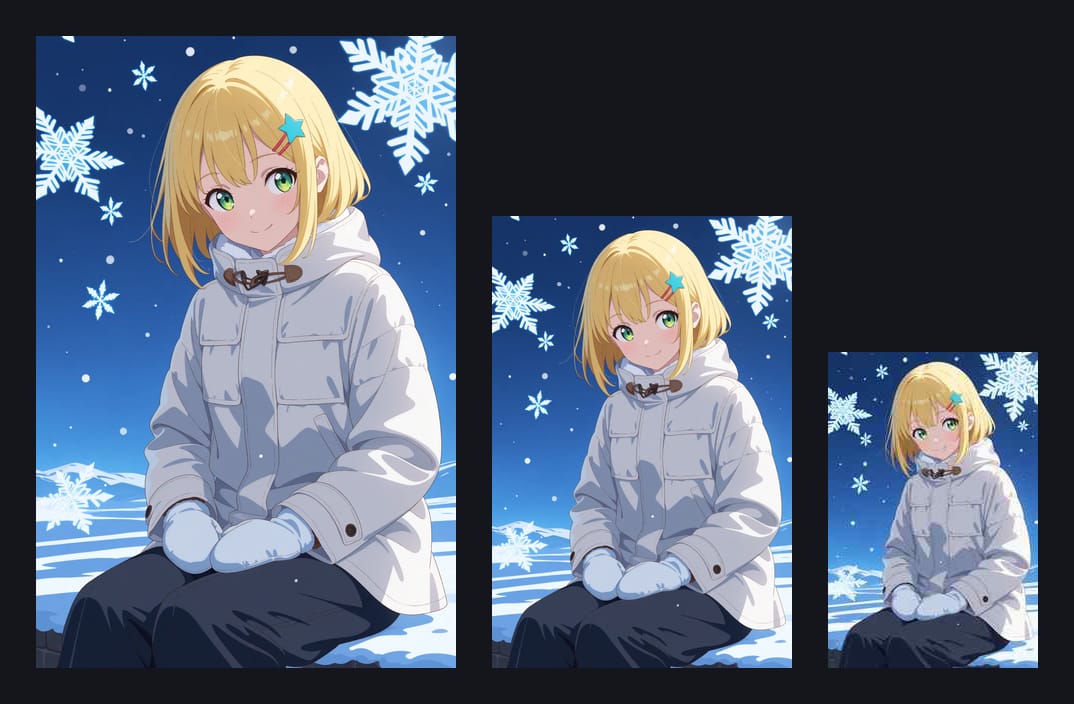
If you saved both the preview and the original, you have two files of one picture. A byte-by-byte duplicate finder will not catch them, because the preview is a different size and format.
Art Sorter compares what the picture looks like. The larger file stays in your collection and the smaller preview goes to a duplicates folder, where you can check it before deleting.
Step 2: sort by character, not by post number
Post numbers put your collection in upload order, which is close to random for your purposes. Art Sorter looks at the pictures and lines them up:
- same character together, across every artist
- then by scene and outfit
- then in sequence
Pages of one post share a file-name pattern and usually a folder, and Art Sorter uses that as a clue to keep them close together, even when the style changes between pages.
Step 3: name characters once
The program groups images of the same character but does not know the name. Select a group, type the name once, and every file is renamed together. Next time a similar group appears, it suggests the name.
If you use a downloader
Tools such as PixivUtil2 or gallery-dl download a whole bookmark list or an artist's works in one go. They are the fastest way to collect, and they put files into folders per artist. Sort a copy of that folder with Art Sorter, so the downloader's own records stay untouched and your next sync still works.
A note on sources
Save only what you are allowed to, keep it for personal use, and respect each artist's terms. Many Pixiv artists ask that their work is not re-uploaded elsewhere.
Common questions
Does it read Pixiv tags? No. It looks at the image itself, so it also works on files whose names and tags are gone.
Is anything sent to Pixiv or anywhere else? No. Everything runs on your PC.