How to organize booru downloads (Danbooru, Gelbooru, Sankaku) by character
Booru downloaders like Grabber, gallery-dl or Hydrus pull thousands of images named by MD5 hash or post ID. Tags help you search, but they do not give you folders you can browse. How to turn a booru dump into a collection sorted by character and scene.
What a booru dump looks like
Booru sites (Danbooru, Gelbooru, Safebooru, Sankaku, Yande.re, Konachan and their many cousins) are the largest tagged image archives on the web. Downloaders such as Grabber (imgbrd-grabber), gallery-dl and Hydrus can pull a whole tag search in one go.
The result is usually one huge folder of files named like a3f9c1e07b2d4e8f9a1c5d7e3b0f2a64.jpg. Thousands of them. The tags that made the search work stayed on the site, or in a sidecar file nobody opens.
Why tag-based folders break down
The obvious fix is to sort by tag. Grabber and gallery-dl can both build folder names from tags. In practice:
- One image has fifty tags. Which one becomes the folder? Usually the first character tag, and images with two characters end up in only one place.
- Tags differ between sites. The same character is spelled three ways across three boorus, so you get three folders.
- Untagged images fall through. Fresh uploads, OC art and AI images often have no character tag yet. They end up in an "unknown" folder that grows forever.
- Sets get split. A twenty-page sequence uploaded as twenty posts is scattered across your folder in hash order.
Sort by what is drawn instead
Art Sorter ignores the file name and looks at the picture:
- the same character is grouped together, whichever booru it came from and however it was tagged
- inside each character, images are ordered by scene and then in sequence, so a set reads in order again
- the same image saved from two sites, or at two sizes, goes to a separate folder instead of cluttering the line
- characters with no tag at all, such as original characters, are still grouped by how they look
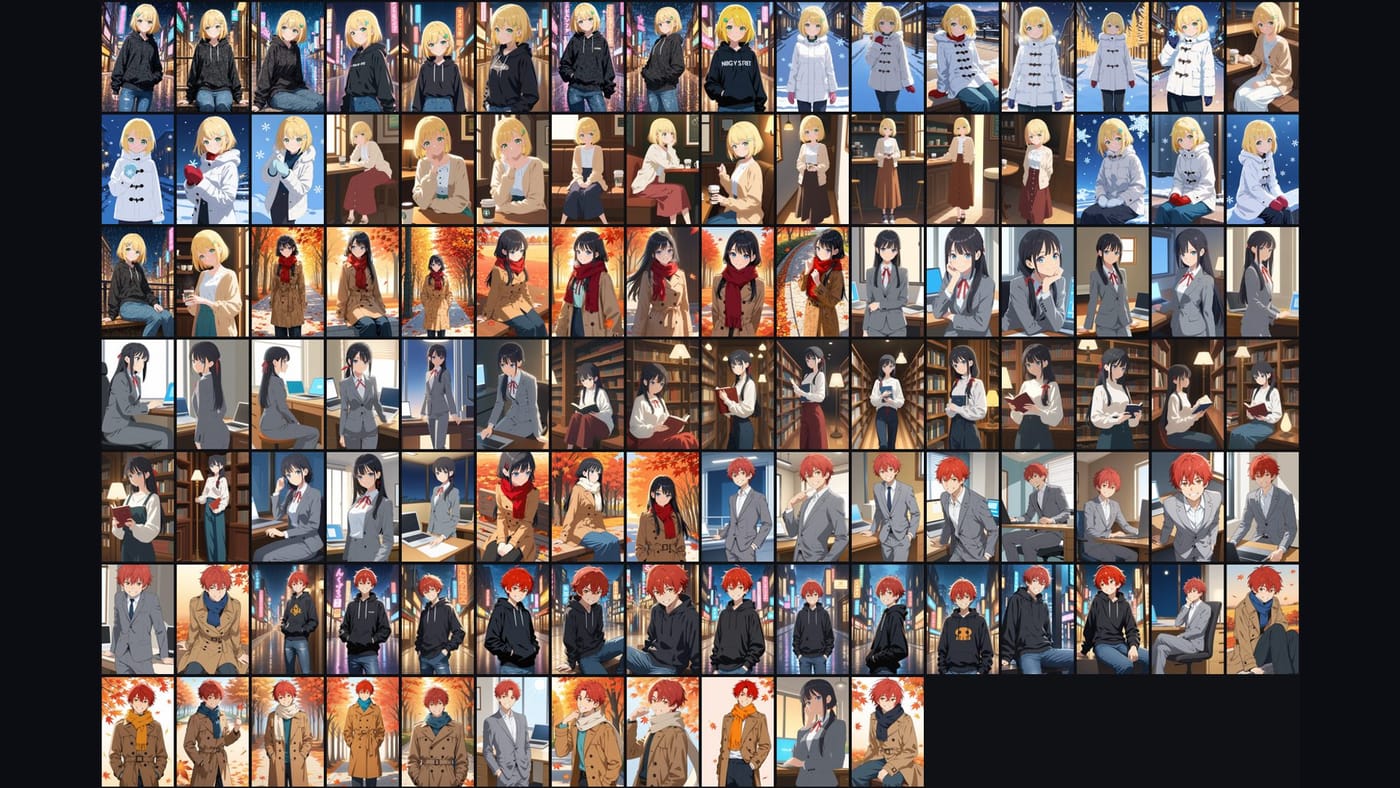
Your images are never uploaded. Recognition runs on your PC, and the order is matched by our server from descriptions of the images (numeric fingerprints and tag words), so sorting needs an internet connection. What you collect stays your business.
A routine that survives the next download
- Keep your downloader writing to its usual folder.
- Run Art Sorter on that folder in copy mode. The downloader's own folder and skip list stay untouched.
- Name each character group once. Files are renamed together, and the names are suggested again for later images.
- After the next download, add only the new files. They slot in next to the images they resemble.
If you use Hydrus, you can also bring the groups back as tags: see importing Art Sorter tags into Hydrus.
Common questions
Do I need the booru tags at all? No. Sorting works on images that have no tags and no metadata.
How many images can it take? Tens of thousands in one run, with pause and resume.
Will it change my original files? Not in copy mode. In move mode, one click puts everything back where it was.
Can I try it on my own folder? Yes. You can try up to 300 images for free, then pay once to keep using it. One-time purchase, no subscription.