Import Art Sorter tags into Hydrus Network (sidecar .txt setup)
Step by step, how to bring a folder sorted by Art Sorter into Hydrus with character, folder and appearance tags attached, using Hydrus's sidecar import. No retyping.
What you get
Art Sorter's tag export writes one small text file next to each image: picture.png gets picture.png.txt. Each line of that file is one tag in Hydrus syntax:
`` character:isagi folder:commissions 2026 pink hair 1boy page:3 ``
Hydrus can read exactly this kind of file during import. Its name for the feature is sidecars. Set it up once and every image comes in with its tags already attached. The image files themselves are never changed.
You need Hydrus version 500 or newer. Anything from 2022 on is fine.
Step 1: export from Art Sorter
- Open the sorted collection in Art Sorter. Name the groups you care about first; a group name becomes the
character:tag. - File menu → Export tags.
- Tick Hydrus tag files (.txt). Leave Include auto tags on if you want hair, eye and person-count tags too.
- Pick a folder outside the collection and press Export.
You get a folder named ArtSorter_export_<date> with the images and their .txt sidecars side by side. On the same drive the images are hard links, so it takes almost no extra space.
Export is only available for a collection that has been sorted. If the menu is greyed out, run Sort first.
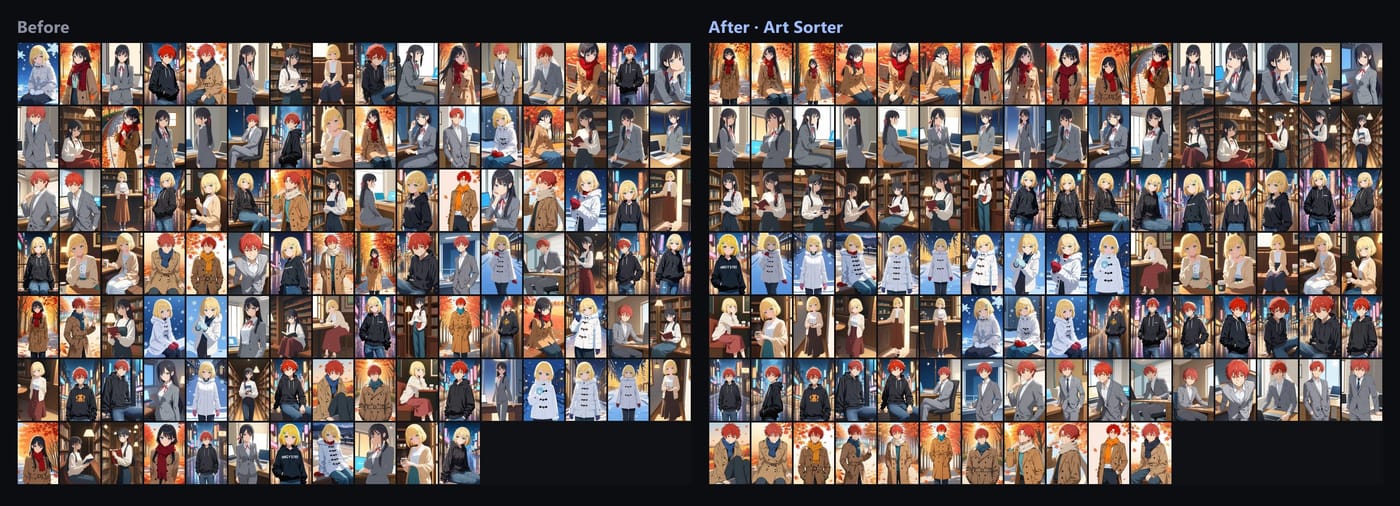
Step 2: import into Hydrus with sidecars
- In Hydrus: File → import files, then add the
ArtSorter_export_<date>folder. - In the import dialog, open add tags/urls with the import.
- Go to the sidecars tab and press add.
- Source: file type txt. Keep the default filename rule, which looks for
<image name>.txtnext to each image. That matches what Art Sorter wrote. - Destination: tags, and choose the tag service you want, usually my tags.
- Apply, then start the import.
Each image now carries its character:, folder:, page: and appearance tags in Hydrus. Search character:isagi and the whole group is there.
Optional: skip the page: tags
If you only want character and appearance tags, you can filter them in the sidecar setup. In the sidecar's string processing step add a rule that discards lines starting with page:. Or leave them; they are harmless and sometimes useful for keeping a sequence in order.
Re-importing later
When you add new images to the collection and sort again, export again into a new folder and repeat the import. Hydrus recognises files it already has and only adds the new ones. Tags on existing files are merged, not duplicated.
Why not just use PTR tags?
The public tag repository covers images that circulate widely. Your own commissions, AI outputs and one-off saves usually have no PTR tags at all. Art Sorter fills that gap by grouping the images first, so you name each character once instead of tagging every file. Details in What the Hydrus PTR can't tag.